


Download VPN Proxy Master lite – Lightweight VPN, Free-to-Use, Secure Proxy Tool
Overview
VPN Proxy Master lite – freesecure VPN proxy is a lightweight desktop application designed to enhance online privacy and security, particularly when using public or untrusted networks. Developed by LEMON CLOVE PTE. LIMITED, the software functions as a free-to-use utility that enables users to conceal their IP address and location, bypass content restrictions, and protect data through encryption. The tool is positioned as a mobile-focused solution adapted for desktop environments, maintaining a compact footprint while offering essential VPN capabilities.
It targets casual users seeking a simple, no-cost way to access restricted content or shield their digital activity from potential monitoring. Common use cases include securing connections on public Wi-Fi, accessing region-locked media, or maintaining anonymity during online browsing. While the software is marketed as a privacy-enhancing tool, its effectiveness depends on the strength of its encryption, server infrastructure, and data handling policies. The developer did not provide additional details about the software’s intended professional or consumer use beyond general privacy protection.
Key Features & Capabilities
- IP and Location Concealment – Masks the user’s real IP address and location, helping maintain anonymity during online sessions.
- Content Restriction Bypass – Enables access to geo-blocked websites and services by routing traffic through remote servers.
- AES 128-bit Encryption – Applies a standardized encryption protocol to protect data in transit, offering a baseline level of security.
- OpenVPN Protocol Support – Utilizes a widely recognized and reliable protocol for secure tunneling, enhancing connection stability and privacy.
- Free-to-Use Model – No daily data cap in the free version, allowing extended usage without bandwidth limitations.
These features support basic privacy needs for users who require temporary access to restricted content or wish to reduce exposure on public networks. The lightweight design makes it suitable for devices with limited storage and processing power. However, the absence of advanced features like a kill switch, torrent support, or multi-hop routing limits its utility for power users. The software’s functionality is centered on fundamental protection rather than comprehensive security architecture.
User Interface, Workflow & Performance
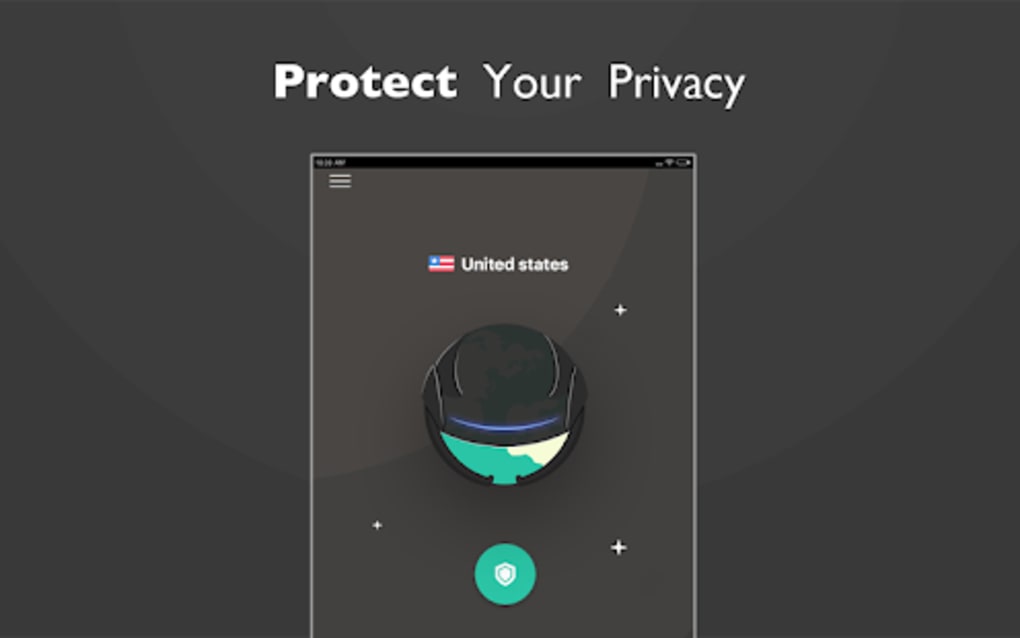
The user interface is designed with simplicity in mind, featuring a streamlined layout that prioritizes quick connection and disconnection. Navigation is intuitive, with minimal on-screen elements, allowing users to initiate a VPN session with a single click. The workflow emphasizes ease of access, making it suitable for non-technical users who need a basic privacy tool without configuration complexity.
Performance observations are based on general software behavior patterns. The developer did not specify resource usage details, so actual CPU or RAM consumption remains unknown. Stability appears consistent for short-term use, though prolonged sessions may be affected by server congestion due to limited infrastructure. The software does not include real-time speed monitoring or connection diagnostics, which may hinder troubleshooting for users experiencing slowdowns. Overall, the workflow is efficient for basic tasks but lacks advanced customization options or performance feedback.
Compatibility & System Requirements
VPN Proxy Master lite is available for desktop platforms, though specific operating system versions were not provided. The installation size is described as lightweight, indicating a small file footprint suitable for systems with limited storage. The developer did not specify exact system requirements, including minimum CPU, RAM, or disk space needs.
Compatibility information is limited. It is unclear whether the software supports Windows, macOS, or other desktop environments. The absence of detailed specifications prevents users from verifying whether their system meets the necessary criteria. The developer did not provide information about hardware requirements or background service behavior. Users are advised to exercise caution when installing on older or low-spec machines without confirmed compatibility.
Pros and Cons
Pros
- Lightweight file size ideal for low-storage devices
- Free-to-use with no daily data cap
- Supports AES 128-bit encryption and OpenVPN protocol
- Simple, intuitive interface for quick setup
- Effective for basic privacy and content access
Cons
- Logging policy includes user account data and connection details
- Lacks a kill switch to prevent data leaks during disconnection
- Does not support torrenting or P2P activities
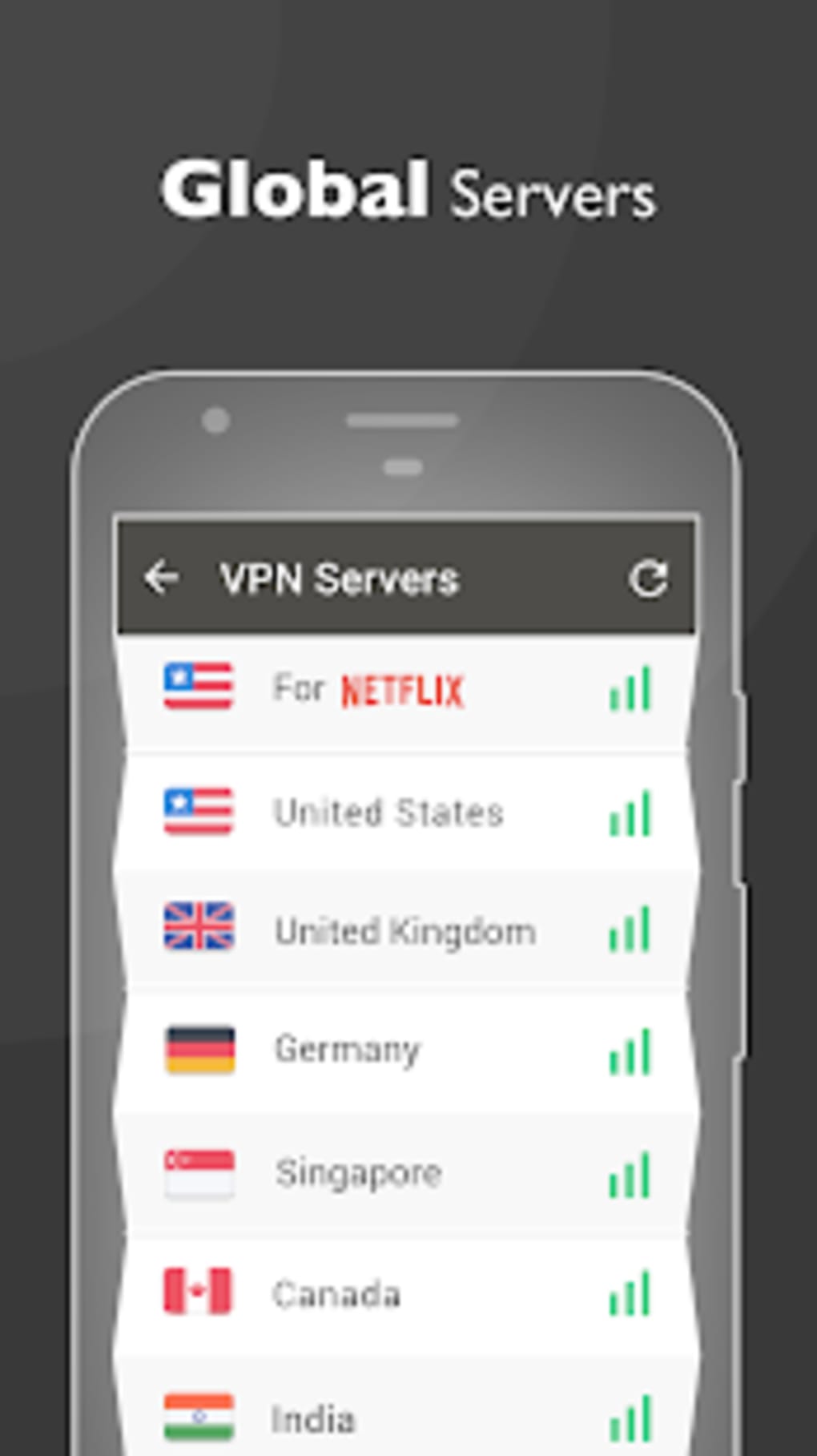
- Limited server availability may lead to congestion
- Missing advanced security and privacy features
FAQ Section
Is VPN Proxy Master lite compatible with my desktop OS?
Compatibility information was partially provided. The software is designed for desktop use, but the specific operating systems supported were not listed. Users should verify system compatibility before installation.
Is the software safe to use?
The software uses AES 128-bit encryption and OpenVPN protocols, which are considered reliable. However, the logging policy includes identifiable user data such as email, connection success, and country of origin. Users concerned about privacy should review the policy carefully.
Does the free version have a data limit?
No, the free version does not impose a daily data cap, allowing extended usage without bandwidth restrictions.
Can I use this software offline?
Yes, once connected, the software can maintain a secure session without requiring constant internet access. However, initial setup and server selection require an active connection.
Is there a license type for this software?
The software is distributed as free-to-use with no mention of a commercial license. It is intended for personal, non-commercial use.
Final Thoughts
VPN Proxy Master lite offers a lightweight, free solution for users seeking basic online privacy and access to restricted content. Its small footprint and lack of data caps make it accessible for casual users with limited system resources. However, significant shortcomings—such as an intrusive logging policy, absence of a kill switch, and limited server availability—reduce its reliability for serious privacy needs.
While it may suffice for temporary or low-risk browsing, it falls short of meeting the standards expected from a robust security tool. Users prioritizing data protection, anonymity, and advanced features should consider alternatives with stronger privacy commitments and better infrastructure.
Download VPN Proxy Master lite now





.png)

